Best File Converters for Android Devices
Introduction: Why File Converters Matter on Android
In today’s mobile-first world, we handle more types of digital content than ever before — from images and PDFs to videos, audio files, and presentations. But not every format is compatible with your device or app. That’s where file converters come in.

For Android users, having a reliable file converter app is essential for productivity, whether you’re editing documents, compressing media, or preparing files for upload.
This guide explores the best file converters for Android in 2025, including flexible all-in-one tools, specialized video converters, and web-based options like Savepin that make conversion fast and secure.
1. Savepin – Fast Online Media Converter
Savepin isn’t just a Pinterest downloader — it’s evolved into a full-featured online media utility that works perfectly on Android browsers.
Why it stands out:
- Converts and downloads videos from multiple platforms.
- Supports MP4, WEBM, and HD formats.
- Browser-based — no installation required.
- 100% free and ad-light.
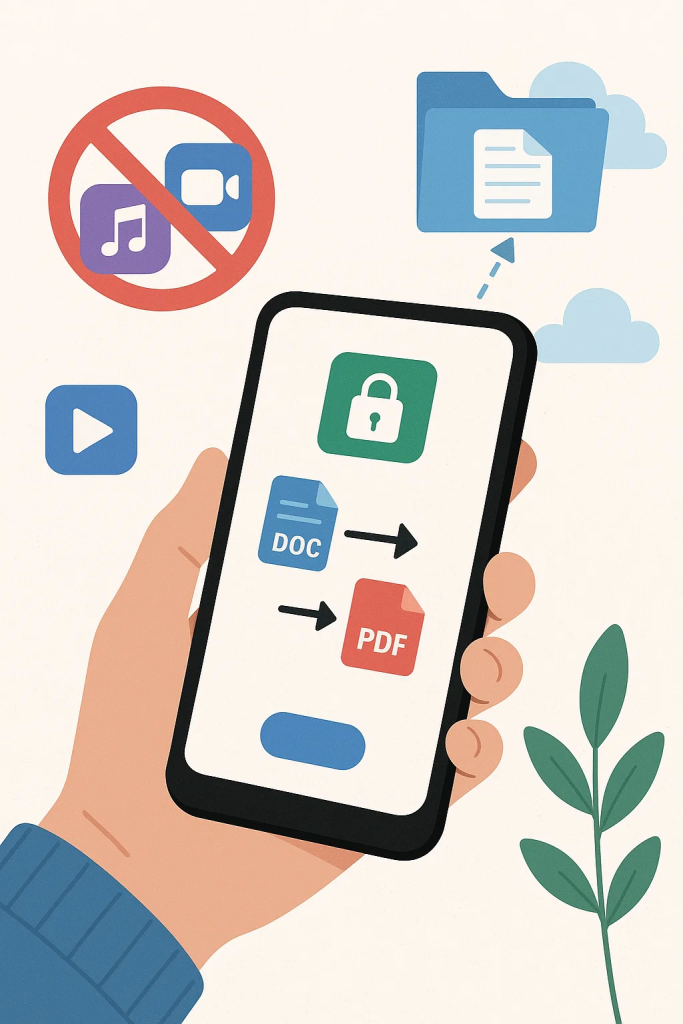
It’s ideal for users who prefer quick, secure conversions without cluttering their phone with extra apps. Perfect for saving short-form videos, clips, and social media posts in the right format for editing or sharing.
2. Video Converter Android (VidSoftLab)
This long-time favorite continues to dominate the Play Store thanks to its balance of power and simplicity.
Features:
- Converts video and audio to MP4, MOV, AVI, MP3, and AAC.
- Built-in video trimmer and compressor.
- GPU acceleration for faster conversions.
- Batch processing for multiple files.
Its modern interface and stability make it an excellent choice for regular use, especially if you handle large video files.
3. All File Converter
As the name suggests, this all-in-one app supports nearly every major file format — from documents to eBooks and archives.
Supported conversions:
- PDF ↔ DOCX, TXT, or JPG
- MP3 ↔ WAV
- MP4 ↔ WEBM
- ZIP ↔ RAR
You can even upload files from cloud storage like Google Drive or Dropbox. It’s a handy universal solution for users who work with mixed file types daily.
4. Media Converter Pro
Media Converter Pro is a lightweight app designed specifically for quick format changes on Android.
Key strengths:
- Intuitive design for beginners.
- Supports audio and video formats (MP3, MP4, FLV, 3GP, OGG).
- Allows manual control over bitrate, codec, and resolution.
It’s perfect for creators who want to fine-tune their export settings or reduce file sizes without losing quality.
5. File Commander
Beyond being a file manager, File Commander also includes a built-in conversion module.
What makes it unique:
- Integrated cloud access (Google Drive, OneDrive, Dropbox).
- Converts between major document and image formats.
- Offers secure file encryption.
Its versatility makes it ideal for professionals who need both organization and conversion in one app.
6. MP3, MP4, Image Converter
This free app focuses on quick conversions for everyday media.
Highlights:
- Converts photos (JPG, PNG, WEBP) and videos (MP4, MOV).
- Supports audio extraction and image resizing.
- Offline functionality without needing Wi-Fi.
If you often edit or compress media directly from your phone, this app is a convenient, ad-light choice.
7. OnlineConvert.com (Web-Based Option)
For users who prefer browser tools, OnlineConvert offers desktop-grade functionality directly on Android.
Advantages:
- No installation needed.
- Works with over 100 file types.
- Safe HTTPS-based uploads and downloads.
- Cloud integration and batch support.
It’s perfect for one-time conversions or when you don’t want to store large apps locally.
8. File Converter (Ice Cold Apps)
This app has been around for years and continues to deliver reliable, fast conversions.
What it offers:
- Support for over 50 formats.
- Cloud-to-cloud conversions.
- Custom presets for media compression.
- Offline use with local files.
Its flexibility makes it great for users who frequently move between document and media tasks.
9. Smart Audio Converter
If your main need is converting audio formats for compatibility with music players or editing software, Smart Audio Converter is lightweight and efficient.
Key benefits:
- Converts between MP3, M4A, FLAC, AAC, and WAV.
- Batch conversion and trimming tools.
- Output optimization for car stereos or mobile playback.
It’s simple but gets the job done perfectly for audio enthusiasts.
10. PDF Converter & Editor
For professionals dealing with documents, this app specializes in PDF conversions.
Top features:
- Convert Word, Excel, PowerPoint, and images to/from PDF.
- Merge, compress, and protect PDF files.
- Built-in scanner for creating digital copies.
Its user-friendly interface makes it a must-have for students, business users, and remote workers.
Expert Insights from Business Insider
According to Business Insider, mobile file conversion in 2025 has shifted from standalone apps to integrated ecosystems. Users now expect converters to handle cloud storage, editing, and security all at once.

Their tech analysts note that lightweight web tools — like Savepin and OnlineConvert — are rising in popularity because they eliminate installation hassles while maintaining privacy. Business Insider also emphasizes that AI-assisted file detection will soon allow automatic format suggestions based on content type.
In short, the best converter today is the one that’s fast, flexible, and secure, without bloating your phone.
How to Choose the Right File Converter
When selecting your converter, consider:
- File type focus – Media, documents, or all-in-one.
- Offline vs. online usage – Do you need constant internet access?
- Privacy level – Avoid apps that upload files to unknown servers.
- Speed and batch support – Crucial for heavy users.
- Interface simplicity – A good converter should save time, not add friction.
Combining a few specialized tools (e.g., Savepin for media and All File Converter for documents) often gives the best results.
Conclusion
With so many file types in daily use, a dependable converter is essential for Android users in 2025. Whether you want to compress videos, edit documents, or change image formats, these tools simplify your workflow.
By combining smart tools and best practices, you’ll keep your Android device efficient, organized, and ready for any task — no matter the file format.